



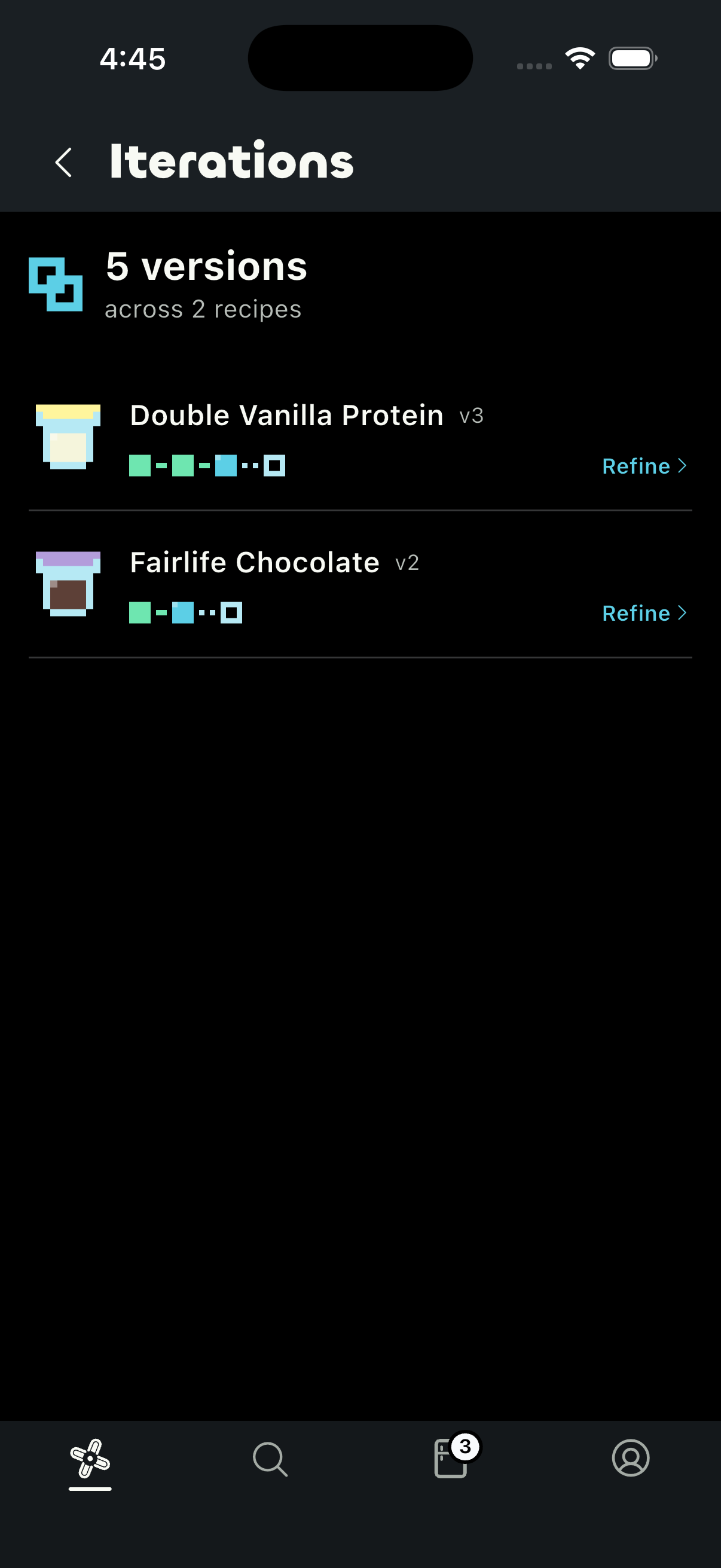
Choose what to refine.
Every version stays lined up in order, so you can see how far you've taken a recipe and pick where to refine next.
Built for macro people and dessert people.
See per-pint macros, track what's freezing, and remember what worked.

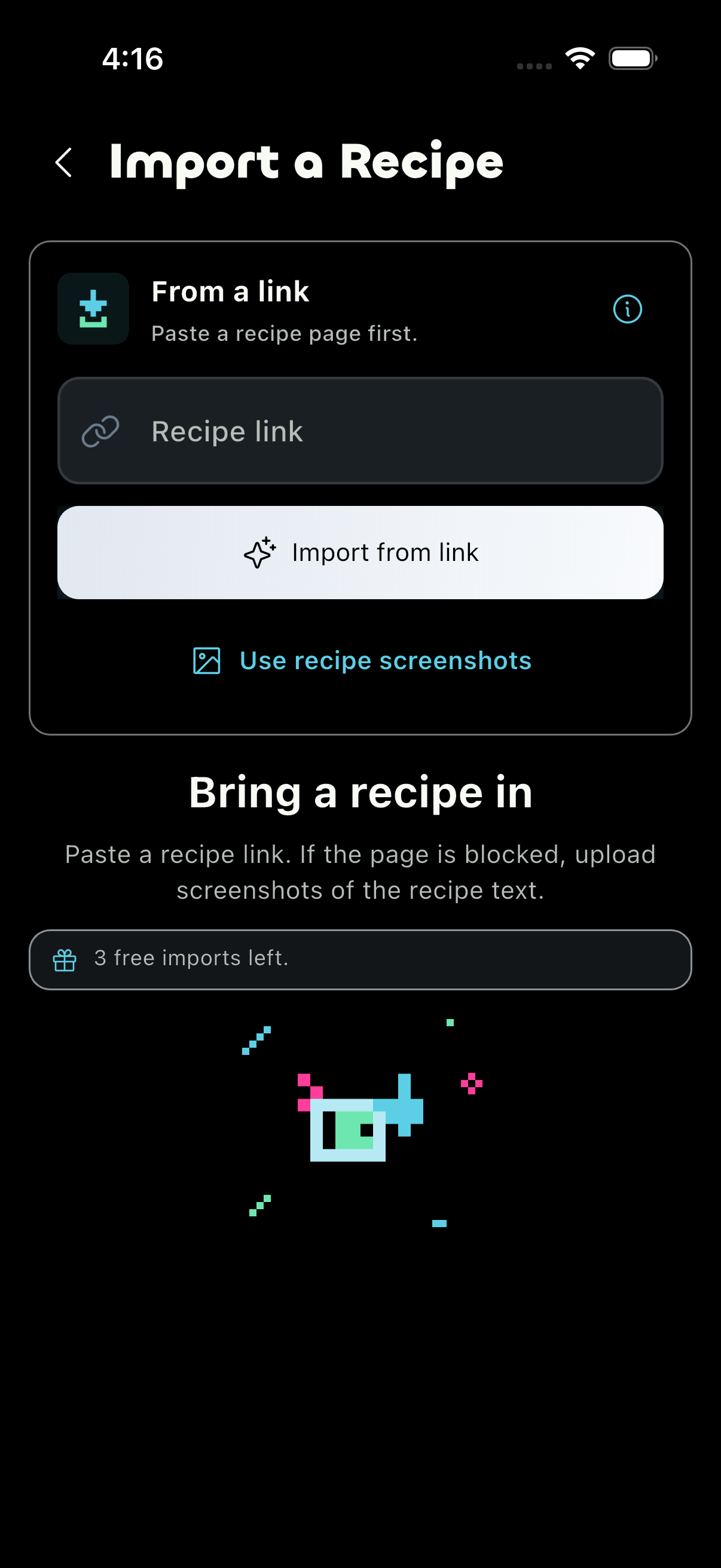
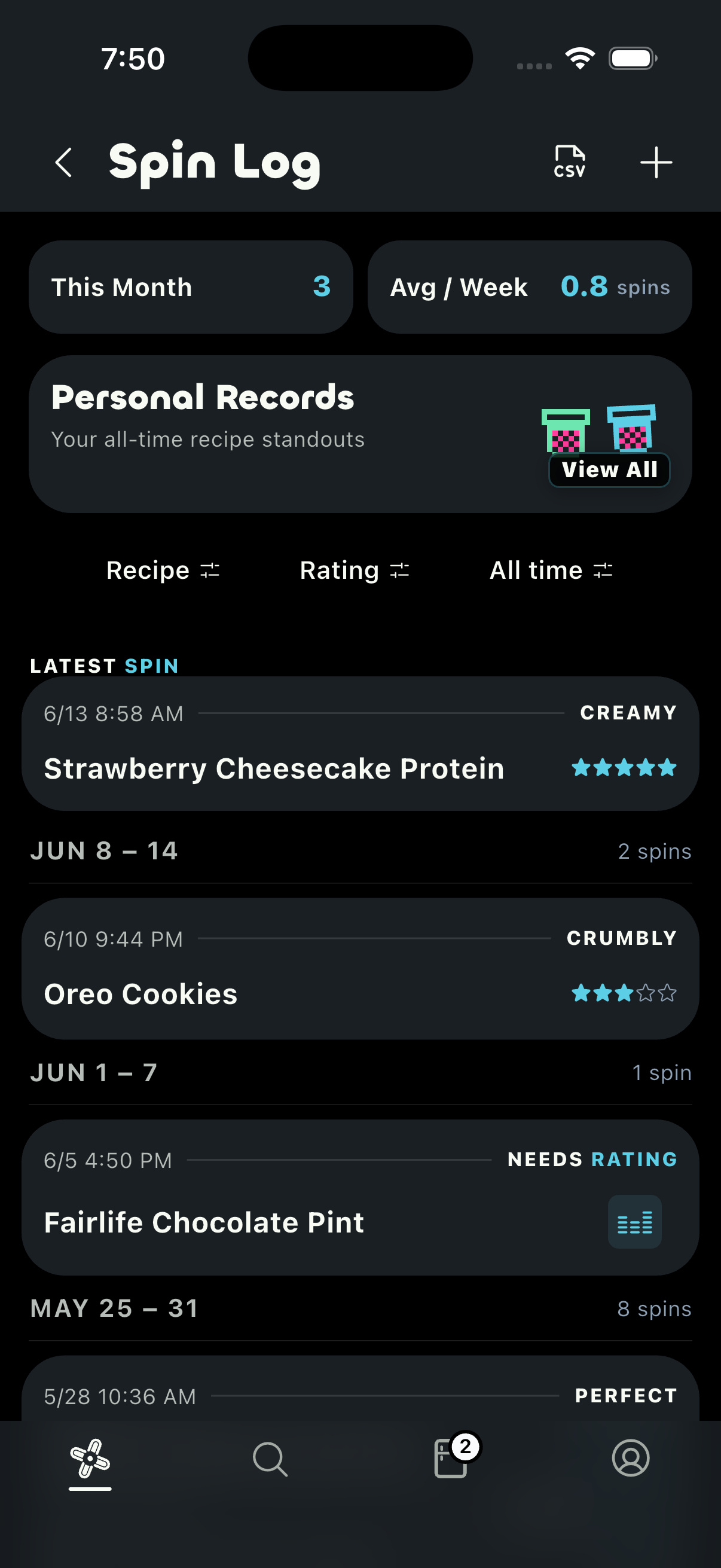
Every version stays lined up in order, so you can see how far you've taken a recipe and pick where to refine next.
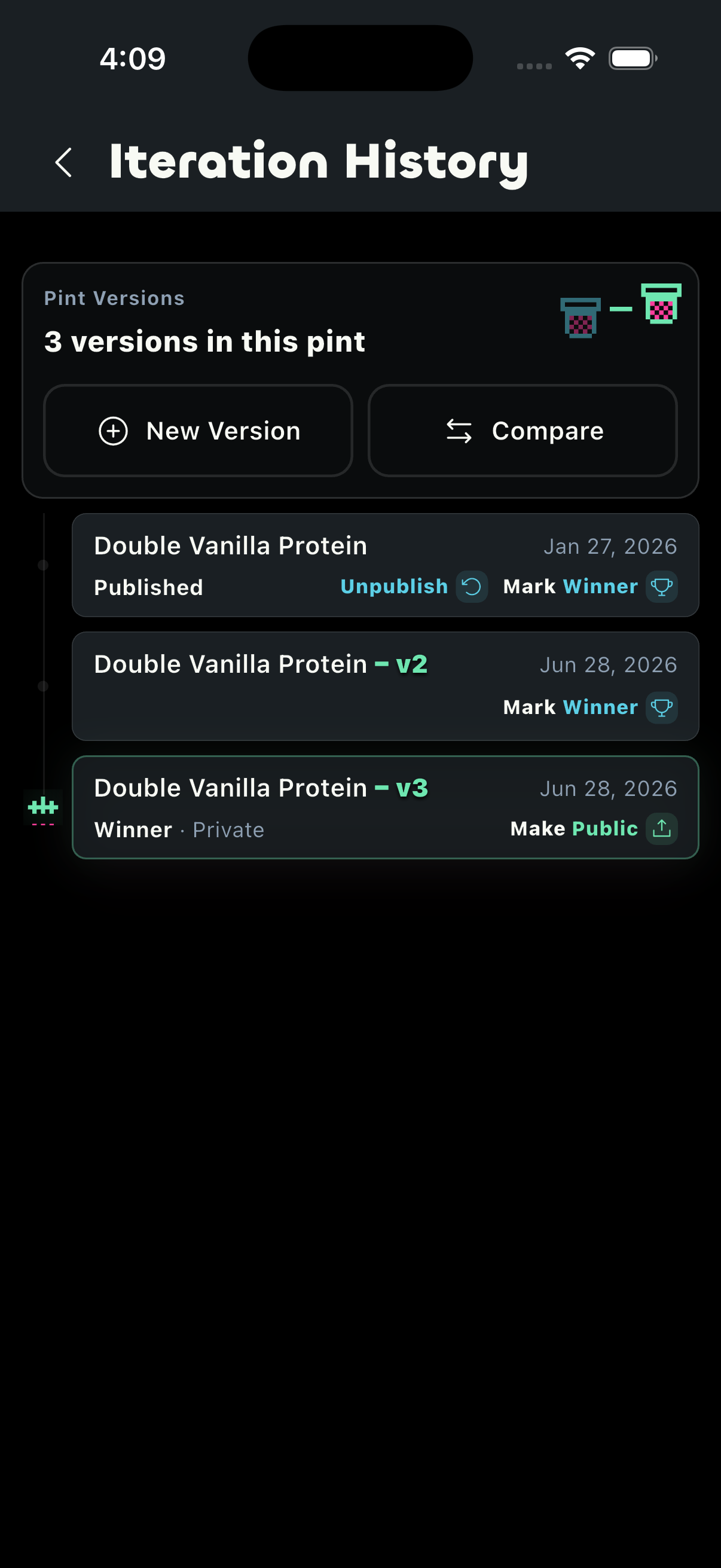
Tap New Version from the pint you liked, then change whatever you want.
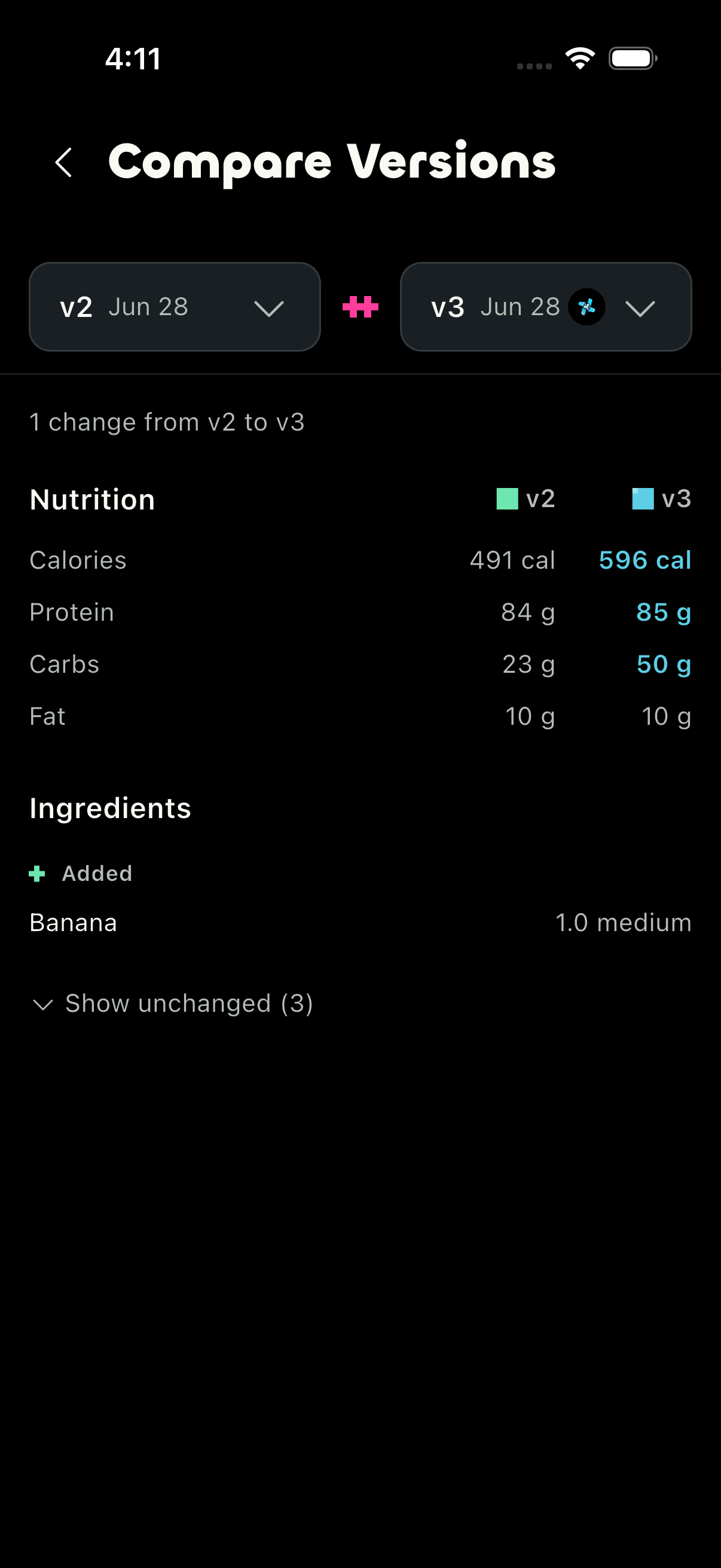
See what changed before you spin the next pint.
A few things worth knowing before you join.
SpinFreeze is a recipe app for Ninja CREAMi owners. You can browse community recipes, import a recipe from a link or screenshot, see the macros for each pint, track what is freezing, and log every spin so your next one comes out better.
Apps like MyFitnessPal, Cronometer, and MacroFactor log your food per serving or per meal. SpinFreeze is built around the CREAMi itself. It works out the macros for the whole pint the way you actually eat it, keeps your CREAMi recipes in one place, and remembers how each spin turned out so you can make the good ones again.
Every spin you log keeps its photos, rating, and notes, and Iteration Compare puts two versions of a recipe next to each other so you can see which change actually made it better. That way you're not relying on memory to recreate the pint you liked.
No. Paste a link or upload a screenshot, and the Recipe Importer turns it into a ready-to-spin recipe with the per-pint macros already worked out. No retyping ingredients, no math.
No. SpinFreeze works for macro people and dessert people alike. The calories and macros are there when you want them, and you can ignore them completely and just use it to find recipes, save your favorites, and see how each pint turned out.
SpinFreeze includes community recipes for Ninja CREAMi owners and is made for the Ninja CREAMi. It is an independent app and is not affiliated with, endorsed by, or sponsored by Ninja or SharkNinja. Ninja and CREAMi are trademarks of SharkNinja Operating LLC.
All the things people spin in a Ninja CREAMi, from protein ice cream and sorbet to gelato, milkshakes, and smoothie bowls. Browse by what you are in the mood for, save the ones you want to try, and import your own from a link or a screenshot.
Yes. Recipes can show calories, protein, carbs, and fat for the whole pint, which makes high-protein and lower-calorie options easier to recognize and compare. You can save the ones worth trying for later.
Yes. SpinFreeze works out the calories, protein, carbs, and fat for the whole pint and scales them to 16oz and 24oz containers, so you see the numbers the way you actually eat a CREAMi pint. Import a recipe or open one from the feed and the per-pint macros are already there.
Yes. SpinFreeze supports 16oz Standard and 24oz Deluxe containers, along with US and metric measurement displays. Your regional units are selected automatically and can be changed in settings.
Join the waitlist on this page and we'll let you know the moment it's ready for you.
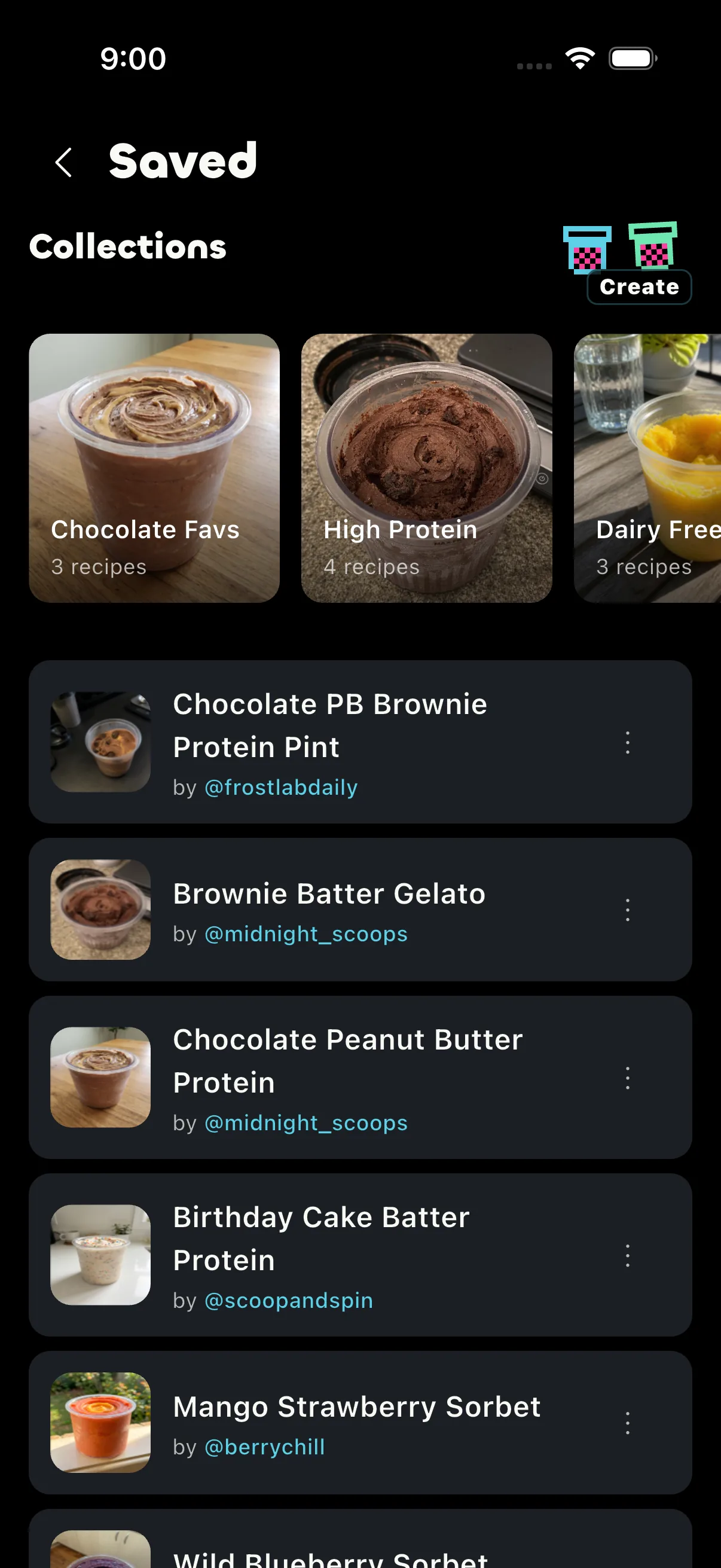
Swap recipes and troubleshoot spins with other Ninja CREAMi owners.